
CHEAT + CDREVIVE
Kryon Cheat
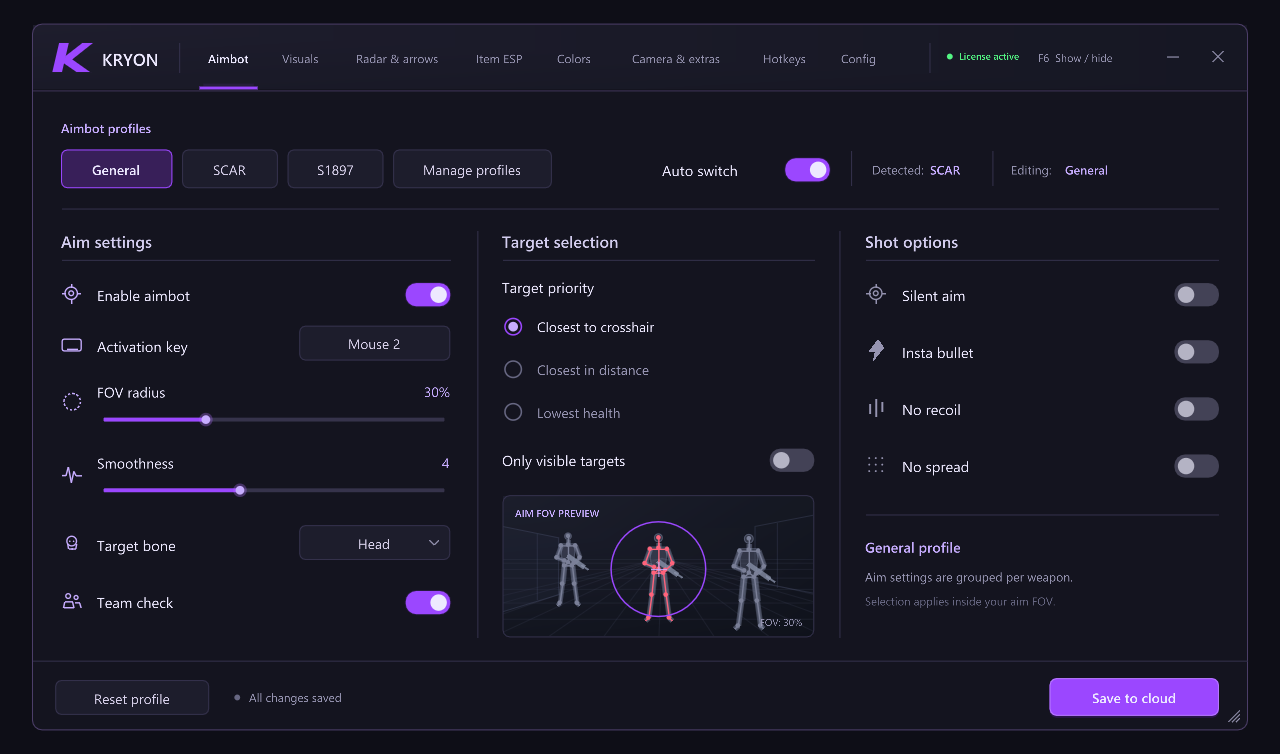
Weapon profiles, visual settings and shared configurations in one interface.
30 days or permanent access
See options — Kryon CheatTHE OFFICIAL KRYON PORTAL
Explore Cheat and Spoofer, manage your access and get ready for Creative Destruction with CDRevive.
CHOOSE YOUR ACCESS
Separate products or one complete package. Choose the access that fits your setup.
Weapon profiles, visual settings and shared configurations in one interface.
30 days or permanent access
See options — Kryon CheatCheat and Spoofer together, plus the CDRevive launcher. One package for your setup.
The same duration for both products
See options — Kryon CompleteBasic preparation for CDRevive and the existing Advanced tools in a dedicated workspace.
Permanent access · Cheat sold separately
See options — Kryon SpooferCDRevive launcher access is included with an active Cheat or Spoofer license.
GETTING STARTED
Your profile brings your licenses, downloads and connections together.
Redeem your key in Account and check the access linked to your profile.
Use the official download page, then follow the guide for your setup.
HELP & RESOURCES
Go straight to the part you need, whether you are just starting or returning for another session.
GuidesFREQUENT QUESTIONS
Creating an account gives you a profile. An active Cheat or Spoofer license is required to download and use its corresponding features.
An active Cheat or Spoofer license includes access to the CDRevive launcher. Cheat features still require a Cheat license.
Sign in and open Account, then Licenses. Redeem your key there and check that your access is active before downloading.
Use Downloads for the current official release. That page also shows the build, file size and SHA-256 for checking the file.
THE KRYON COMMUNITY
Find support and product information in the official Discord. You can also link your Discord from Account.